
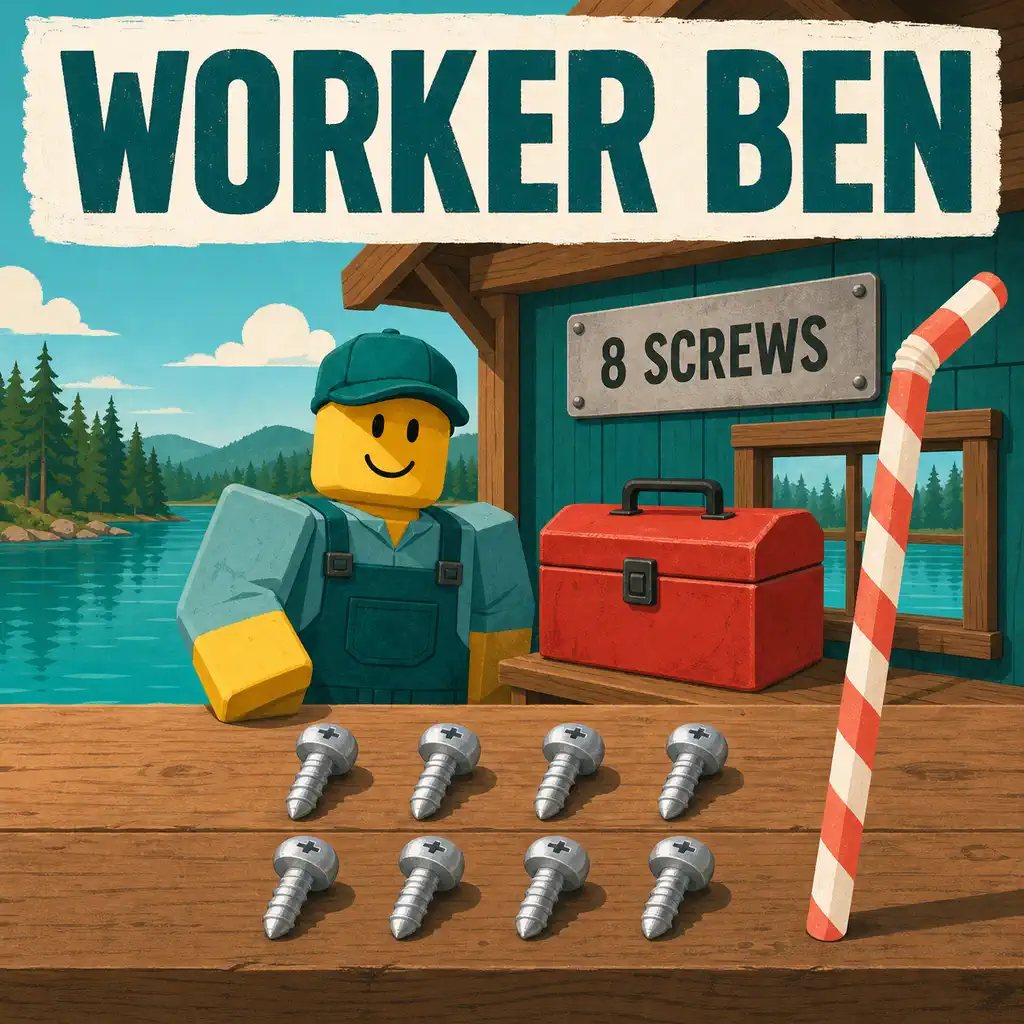
The public route evidence for Lake Sipping screws is a community video that demonstrates eight pickups, paired with a separate video about the Worker Ben task. Start the task first, follow the route in order, and confirm the count in your current game. The official Roblox description confirms the game and its general loop, but it does not publish screw coordinates or a Worker Ben reward.
Lake Sipping Screws: What the 8-Screw Route Is For
The Worker Ben screw search is a focused collection objective inside Lake Sipping. It is different from the normal sip, catch, chest, sell, and upgrade loop described on the official Roblox experience page. That distinction matters because a player can complete ordinary fishing runs and still be unable to finish the Worker Ben objective if the task has not been accepted or if one pickup was collected in a different objective state.
The route used on this page is based on two public creator videos. One is presented as an all-eight-screw walkthrough; the other provides context for the Worker Ben task. They are useful visual evidence for player vocabulary and route discovery, but they are not developer documentation. A video can be recorded before an update, skip a prerequisite, or show a pickup without explaining whether the item persists between sessions.
What the community walkthrough establishes
The eight-screw video is enough to support a practical search plan: there are eight pickups shown in the route, the player can use the clip as a visual sequence, and the item search is associated with the Worker Ben topic. This is why the page uses an eight-stop checklist instead of repeating a generic beginner guide. The route is a community lead with a concrete visual reference, not a made-up list of coordinates.
What remains version-dependent
The public official description does not verify an exact starting prompt, map grid, item coordinates, respawn rule, completion reward, or required order for the screws. Those details should be checked inside the current experience. If the current game shows a different prompt, count, landmark, or route, treat the in-game state as the newer evidence and report the change with a source and date.
Before You Search for the Screws
A short preparation step prevents the most common Worker Ben route mistake: collecting visible objects before the objective is active and then not knowing whether the task counted them. The page's beginner route explains the normal progression loop; this page adds the quest-specific checks needed before a long search.
Accept Worker Ben's current task
- Find Worker Ben and read the complete current dialogue or objective prompt.
- Accept or activate the task if the interface presents a separate confirmation step.
- Look for a visible counter, item name, marker, or completion message before leaving the NPC.
- Take a quick note of the current map and objective state so a later reset is easy to recognize.
These steps do not claim a fixed interaction key. Roblox control prompts can differ across PC, mobile, and controller layouts, and the interface may change with an update. Use the current on-screen prompt, then apply the same hold, release, and interaction discipline described in the site's controls guide.
Build an eight-stop checklist
Keep the eight pickups separate in your notes. Mark a screw only after the object disappears, the task counter changes, or the game shows another clear completion signal. A visual sighting is not the same as a confirmed collection. If a video pauses at a landmark, record the stable feature visible in the current build rather than guessing a coordinate from the camera angle.
All 8 Lake Sipping Screw Stops
The table below is deliberately a verification checklist, not an invented coordinate map. The linked video is the location reference; the checklist keeps the route complete and makes it easier to detect an older or incomplete walkthrough. Start at Stop 1, follow the creator's route order, and do not assume that an object that looks similar is the required screw.
| Stop | What to confirm | Record before moving on |
|---|---|---|
| 1 | The first screw shown after the active Worker Ben objective begins | Nearest stable landmark and the updated task state |
| 2 | The next distinct pickup in the walkthrough sequence | Whether the first screw remains counted after moving away |
| 3 | A separate screw object, not a repeated view of Stop 2 | The direction or route transition visible in your build |
| 4 | The fourth pickup before the route changes to its second half | Current total after four confirmed interactions |
| 5 | The next pickup after the route's midpoint | Any new area, prompt, or loading transition |
| 6 | A sixth object that produces a collection signal | Whether the count increases immediately or after a delay |
| 7 | The penultimate pickup in the community route | The remaining count shown by the task, if available |
| 8 | The final screw shown before returning to the task result | Completion message, counter state, or missing-item state |
Screws 1-4: keep the first half synchronized
For the first four Lake Sipping screws, pause the walkthrough after each pickup and compare the scene with your own screen. The important comparison is not the camera's exact position. It is the relationship between the object and the surrounding geometry: a building edge, path, shore, platform, sign, or other landmark that still exists in your current version. If the scene has changed, use the video to understand the route order and then inspect the equivalent area in-game.
After the fourth pickup, check the task state before continuing. A four-of-eight result is useful evidence that the objective is active. A zero count after four visual interactions indicates that the items may be decorative, already collected, or gated behind a different task state. Resetting the whole route without checking this point makes troubleshooting harder.
Screws 5-8: finish the count before returning
The second half of the route should be treated as a separate verification pass. Do not return to Worker Ben after the first visible batch unless the task explicitly says partial turn-ins are allowed. Continue until the current counter, completion message, or repeatable state shows that all eight pickups were recognized. If the video and your game disagree, write down the disagreement rather than filling the gap with a guessed reward or location.
When a visual landmark is unclear
Use the creator video as a route reference and scrub backward until the pickup enters the frame. Compare the object, approach direction, nearby geometry, and interaction prompt. A thumbnail or search snippet is not enough to identify a location. If the video cannot make the landmark reproducible, mark that stop as unconfirmed and continue only when your game supplies a stronger signal.
How to Verify That Each Screw Counts
Worker Ben's objective is finished only when the game recognizes the required state. The most reliable check is the current in-game objective or completion message. Community videos can demonstrate what a successful route looked like for the recorder, but they cannot guarantee that the same item state, server state, or quest version applies to every player.
Use a before-and-after count
- Record the counter or objective state before the first interaction.
- Confirm a visible collection result after each pickup.
- Check the total after Stop 4 and again after Stop 8.
- Return to Worker Ben only after the eight-stop state is complete or clearly stuck.
- Record the result and review date if the task completes or fails.
Separate collection from reward claims
A completed objective and a reward are two different facts. Even if a creator receives an item or currency in a video, that result may be tied to a game update, a first-time completion state, or another quest condition. This page therefore covers the search route and verification process without publishing a precise Worker Ben reward that the official source does not support.

If One Lake Sipping Screw Is Missing
Missing-item reports usually need a state check before they need a new route. First confirm that Worker Ben's task is active. Then revisit the stop using the same approach direction as the video and look for the current interaction prompt. If the object is absent, compare the task counter and server state before assuming that the location has moved.
Reset from the task state
Leave the area only after recording the current count. Rejoin or restart the route according to the game's normal options, then accept the task again if the objective reset. A clean second pass can distinguish an already-collected screw from a missing object. Do not repeatedly interact with unrelated props simply because they resemble a screw in the video.
Check for current-build drift
Roblox experiences can change their map, interaction prompts, or quest logic without third-party pages updating at the same time. Compare the upload date and visible interface in the community walkthrough with your current game. If a path, prop, or count differs, use the sources policy to report the exact page, video, observed change, and date. That evidence is more useful than a copied list that silently preserves stale locations.
Sources and Evidence Boundary
The official Lake Sipping Roblox experience page is the source for the game's identity, developer, platform context, and official description. It does not currently provide a Worker Ben screw map. The eight-screw community walkthrough is the route reference for the eight pickups, and the Worker Ben task video provides related quest context.
Because the video sources are community material, this page labels the route as a lead that players can reproduce and update. It does not present a precise map coordinate, item value, completion reward, guaranteed respawn rule, or permanent quest order without a current in-game capture or developer-controlled source. This is also why the existing wiki research queue continues to separate community findings from official mechanics.
Lake Sipping Screws FAQ
Where are all 8 Lake Sipping screws?
The current public evidence is a community walkthrough that shows an eight-screw route and a separate Worker Ben task video. Use the linked route in order, confirm each pickup in your current build, and do not rely on an invented coordinate list.
How do I start the Worker Ben screw quest?
Find Worker Ben, read the current dialogue or task prompt, and accept the objective before following a route. The exact trigger, wording, and reward are version-dependent and are not confirmed by the official Roblox description.
Why does a Lake Sipping screw not count?
The pickup may already be collected, the task may not be active, the route may be from an older build, or the interaction may not have completed. Recheck the prompt, revisit the visual landmark, and compare the total after all eight pickups.
Does the Worker Ben quest give a confirmed reward?
The public official experience description does not verify a Worker Ben screw reward. This page links community evidence for the route but does not publish an unverified reward, item value, or completion condition.
Can I use the eight-screw route without the quest?
You can inspect the route, but collection behavior may depend on the current objective state. Start Worker Ben's task first so each pickup can be checked against the in-game counter or prompt.